Faceless Video Guides
These guides show how to make faceless short videos: scripts, animation, code and voice-over, and which format suits which topic. New here? Start with the guide to making animated videos.
Watch a faceless video being made
A short walkthrough: pick a niche, approve the plan, download the video. The guides below go deeper into each step.
Which faceless video tutorial to read first
Read the how-to guide if you are new, the text-to-animation guide if you already have a script, and the code guide if you want every episode to look the same.
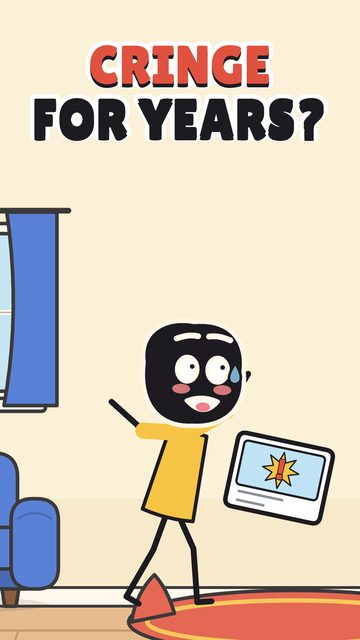
What counts as faceless video?
A faceless video tells its story without showing the creator's face: a voice, animation, drawings, footage or screen recordings carry it. Animation is only one way to make one.
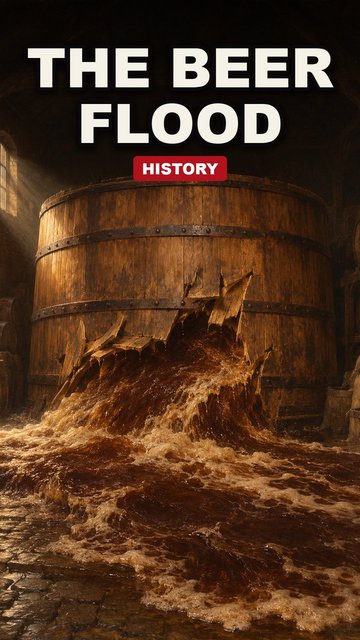
How to make faceless videos
Write a short script first, then choose how to make the pictures: a template tool, an AI model or code. These tutorials cover each route.
- How to Make Animated Videos: 5 Forms, 4 Methods, Real CostsHow to make animated videos: the five forms, four ways to make them, what each really costs, and a free script template you can copy.Read the guide →
- Text to Animation: 3 Routes Compared, Step by StepText to animation compared: three ways to turn a script you already have into a short video, what each costs, and a step-by-step workflow with a template.Read the guide →
- Code Animation with Claude: Script to VideoCode animation means writing animation as code and rendering it to video. A Claude Code workflow: script, component, render, voice-over.Read the guide →

Faceless video tutorials by format
Pick a look, see real sample films, then read how its episodes are made.
- Stickman animationA small stick-figure cast acts out one everyday situation per episode.See the niche
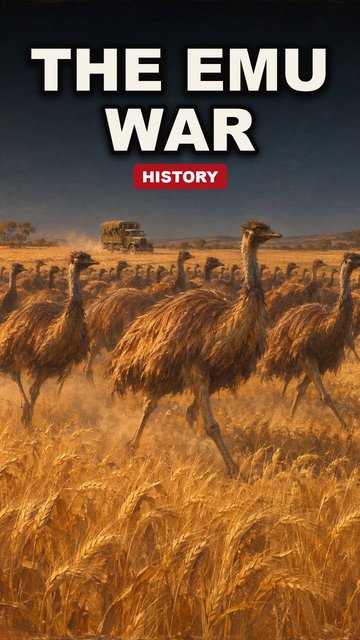
- History animationOne event told with illustrated scenes, slow camera moves and checked dates.See the niche
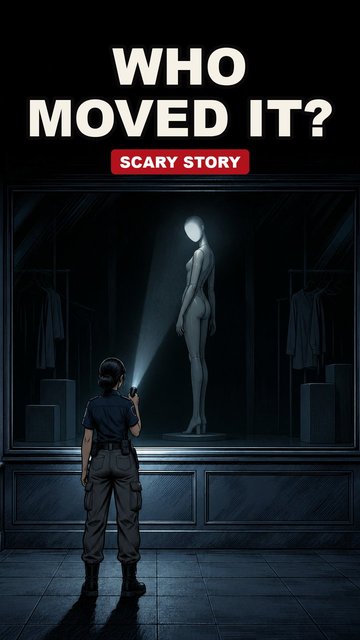
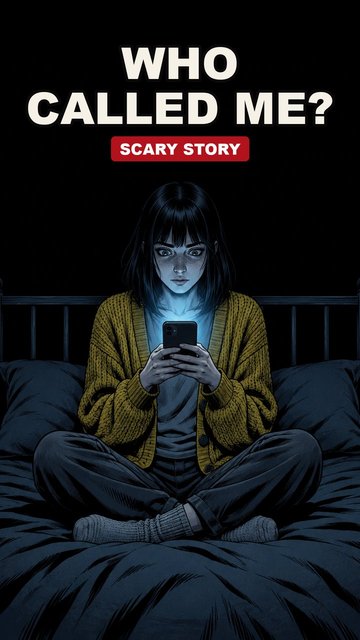
- Horror animationAn original story with a dark palette, a calm narrator and a twist.See the niche
- Sketch animationOne curious question answered in a minute with a stick figure, icons and big words.See the niche
- What if scenariosOne hypothetical per episode, told step by step in flat cartoon scenes.See the niche
- Map animationA battle told on a map: borders, troop moves and labels drawn by code.See the niche
- Anime storiesThirty-second anime episodes with recurring characters, voices and subtitles.See the niche
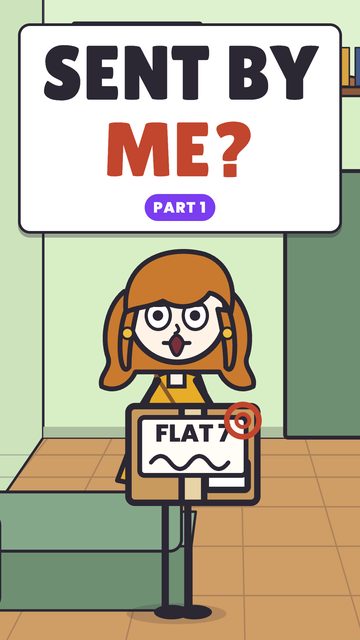
- Mystery cartoonsA POV puzzle with a voiced cartoon cast and a cliffhanger at the end.See the niche

Choosing a topic first? Read faceless YouTube channel ideas
Frequently asked questions
- Are the tutorials free to read?
- Yes. Reading is free. Making a video in Studio uses credits, and the Agent shows the price before you confirm.
- Do I need animation skills to follow them?
- No. The tutorials explain scripting, storyboards and voice-over in plain steps. In Studio the Agent plans each video with you and the engine makes it.
- Are results or earnings promised?
- No. We describe how videos are made and what to check, and we do not promise views, rankings or income.