Faceless Content: What It Means, With 12 Examples to Copy
Faceless content explained: what it means, 12 real formats you can study, how much it costs and which ideas fit you — no camera needed.
FacelessReels.tv Team · Updated 2026-11-11
Contents
What is faceless content?
Faceless content is video or audio published without the creator appearing on camera. Screen recordings, animation, drawings, stock footage, a voice-over or AI pictures carry the story instead.
A faceless video is the same thing for one video: no presenter's face appears on screen. The words are still there, usually as a voice-over, and the pictures change to match them.
Creators choose faceless content for four practical reasons:
Privacy
You stay off camera.
Repeatable looks
The same character or style can return in every episode.
No studio
A computer and a voice are enough to start.
Any language or topic
The picture does not depend on who speaks.
The rest of this page shows what faceless content looks like in 12 formats, what it costs, which ideas fit you and how to make your first video. If you are already sure you want a tool to plan and build it for you, you can skip to the steps.
12 faceless content examples you can study
These 12 formats cover the main ways faceless content is made. Each one lists what you see on screen, why it works and how demanding it is.
Where a public channel shows the look, it is named and linked. We also built some of these formats ourselves, and the stills on those cards are from our own films.
Drawn and animated formats
1Animated explainers
- On screen
- A calm narrator explains science, technology or a big idea over flat illustrations that change with each point.
- Why it works
- The picture does the explaining.
- Effort
- High by hand, lower with a template or an engine.
Public example: Kurzgesagt – In a Nutshell, animation made by a team of illustrators and animators.
2Stick figure explainers
- On screen
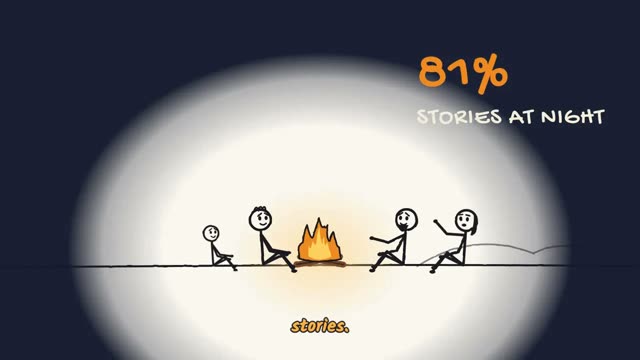
- A hand-drawn stick figure acts out the answer to one curious question, with big words and icons beside it.
- Why it works
- The look is simple on purpose, so the idea carries the video.
- Effort
- Low.
Ours: see sketch animation.
3Stick figure sitcoms
- On screen
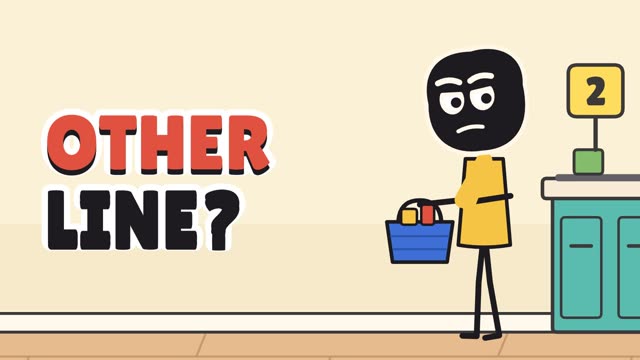
- A small cast plays out an everyday situation, such as an awkward checkout line, with a voice and captions.
- Why it works
- Each episode is a self-contained joke, so the same cast returns.
- Effort
- Low to medium.
4Cartoon what-ifs
- On screen
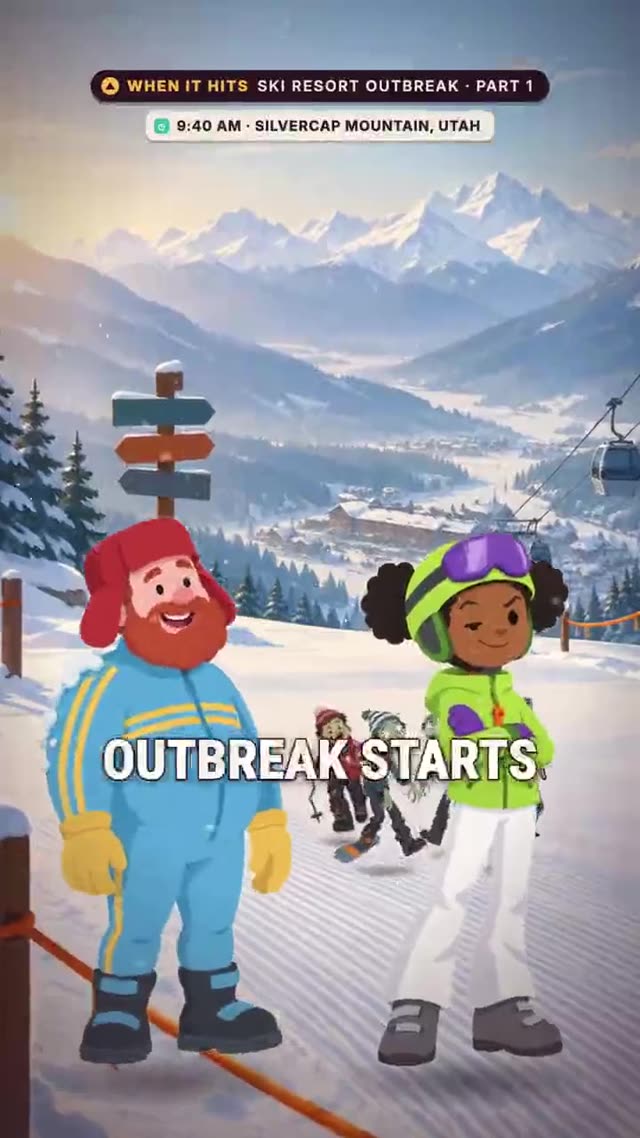
- One hypothetical per episode, told with cartoon characters over illustrated places.
- Why it works
- The question is the hook and the answer unfolds step by step.
- Effort
- Medium.
Ours: see what if scenarios.
5Mystery cartoon stories
- On screen
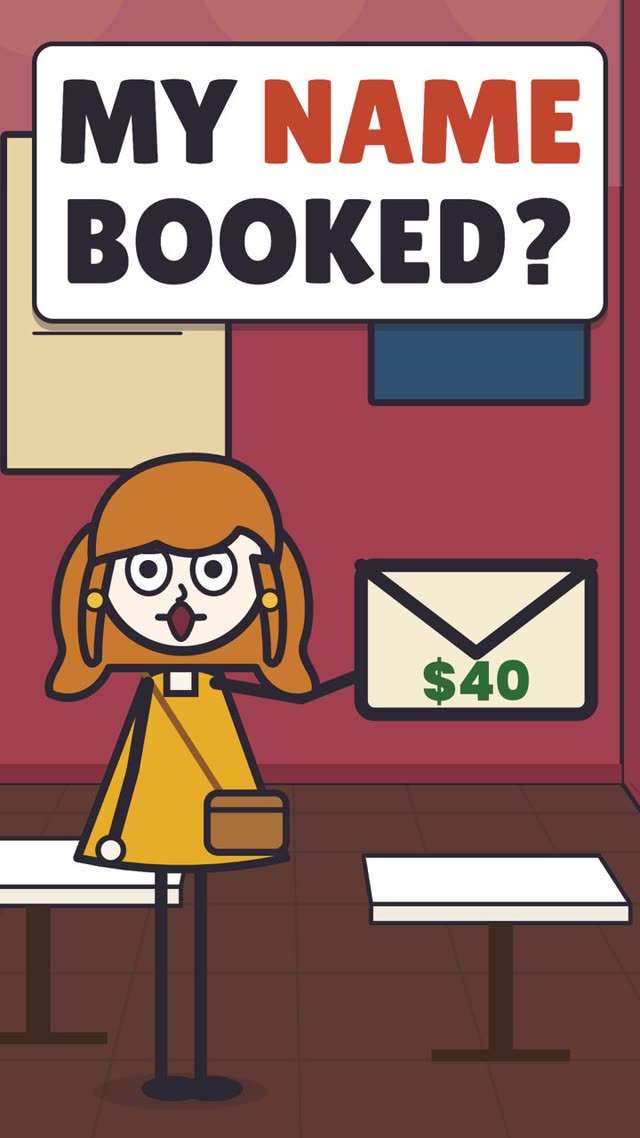
- A short original puzzle told from one person's point of view, with a cartoon cast and a cliffhanger.
- Why it works
- The viewer guesses before the reveal.
- Effort
- Medium.
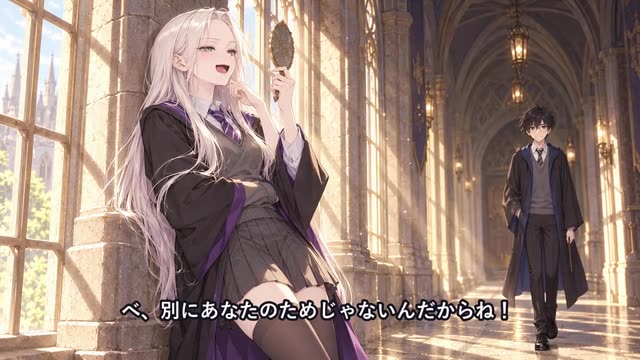
6Anime-style story series
- On screen
- An anime-looking story across several episodes.
- Why it works
- Recurring characters keep their look from episode to episode.
- Effort
- High: it needs a plan that keeps characters consistent.
History, maps and stories
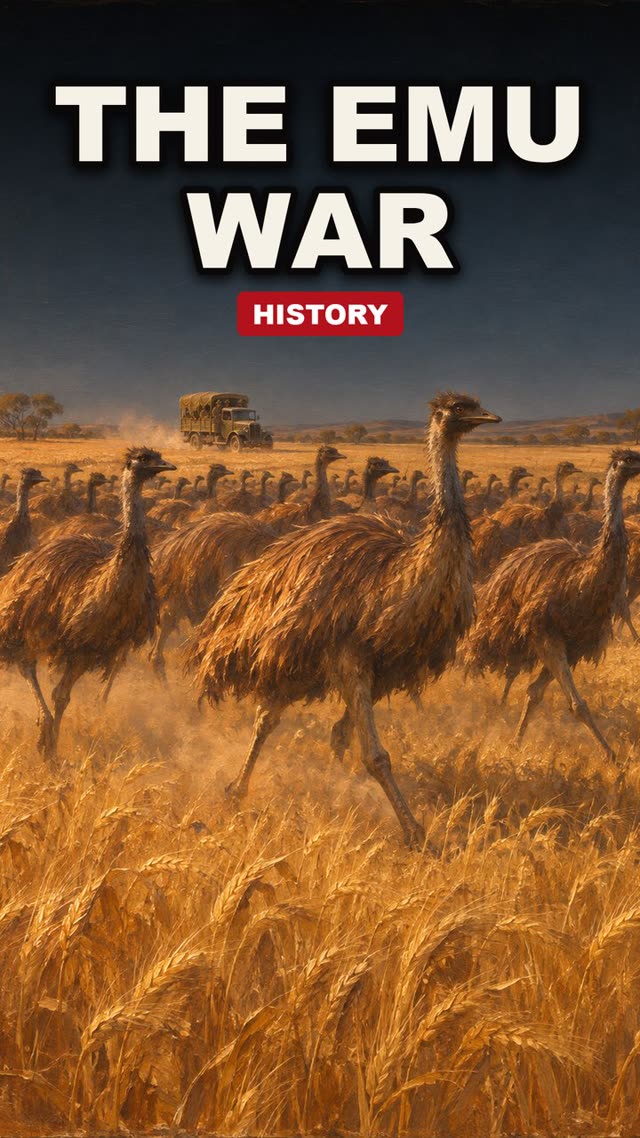
7Painted and cartoon history
- On screen
- History told with illustrated scenes or a loose cartoon style and a narrator.
- Why it works
- It rewards accurate dates, places and sources.
- Effort
- Medium.
Public example: Oversimplified. Ours: history animation.
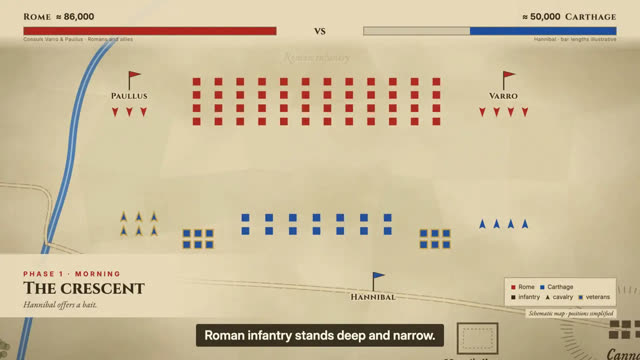
8Map animations
- On screen
- Maps with moving borders, arrows and labels explain wars, trade routes and migrations.
- Why it works
- It reads well on a phone and is built from code or a map tool, not camera footage.
- Effort
- Medium.
Public example: The Armchair Historian. Ours: map animation.
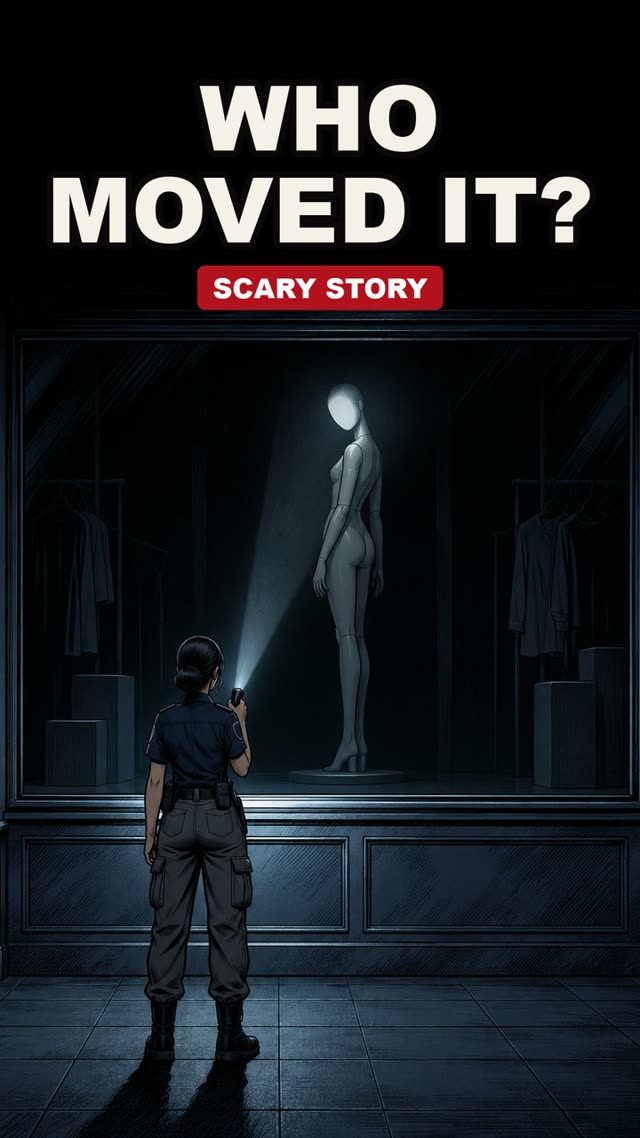
9Narrated scary stories
- On screen
- A narrator tells a scary story over dark, minimal pictures, with a few objects per scene.
- Why it works
- Strong sound does most of the work. It needs original stories, not retellings copied from forums.
- Effort
- Low to medium.
Public example: Mr. Nightmare, scary true stories and events.
10Reddit and text-message stories
- On screen
- A first-person story shown as narration over a text card, a chat layout or a looping background clip.
- Why it works
- It is simple to make, but it has the weakest originality, and platforms limit repetitive versions.
- Effort
- Low.
Write your own stories or get the author's permission.
Footage and screen formats
11Documentary voice-over with footage
- On screen
- A narrator walks through a mystery or a strange fact over photos, maps, archive material and screen captures.
- Why it works
- It needs the most research and careful licensing.
- Effort
- High.
Public example: LEMMiNO, long-form videos about space and mysteries.
12Screen-recording tutorials
- On screen
- A narrator shows software, a website or a process on screen.
- Why it works
- The screen is the subject, so no face is needed. It is the most practical format for software, design and coding topics.
- Effort
- Low to medium.
Public channels are named so you can look at the style yourself. We do not copy any channel's videos, scripts or characters, and channels change their style over time.
Do faceless videos make money?
Yes, faceless channels can earn money through ads, sponsorships, affiliate links and products, but nothing is guaranteed. Results vary a lot, and we do not promise any income.
YouTube does not require a face. Its monetization policies ask that your content be original, and not mass-produced, generic or repetitive. That is the rule that matters most for faceless channels, because a template can turn out many videos that look the same.
Ways faceless channels earn:
Ads
From the platform, once you meet its requirements.
Sponsorships
Brands pay to be mentioned.
Affiliate links
A commission on products you recommend.
Your own product
A course, template or service.
Check each platform's current requirements before you plan around income.
How much does faceless content cost?
You can start faceless content for $0: record your own voice, use free footage and a free editor. Paid tools save time or add features. These are the official prices at the time of writing; check each page before you buy.
| Part | Free option | Paid option |
|---|---|---|
| Editing | CapCut free plan: free templates and basic editing tools | CapCut Pro, EUR 23.99 a month |
| Stock footage | Pexels: free to use, attribution not required, with some restrictions | Not needed to start |
| Voice-over | Record your own voice | ElevenLabs: Free $0, Starter $6 a month, Creator $22 a month; the commercial licence starts at Starter |
Sources: capcut.com/pricing, pexels.com/license and elevenlabs.io/pricing. Prices change, and CapCut shows its prices in euros.
If you would rather have the video planned and built for you, see faceless video pricing.
Which faceless content ideas fit you?
Pick by three things: can you finish one alone, is a public channel already showing the format works, and can you make 30 of them without running out of ideas.
| Idea | Effort | Needs |
|---|---|---|
| Stick figure explainers | Low | One question per video |
| Stick figure sitcoms | Low to medium | A small cast and short scripts |
| Cartoon what-ifs | Medium | One hypothetical per episode |
| Painted history | Medium | Accurate facts and sources |
| Map animations | Medium | Maps and verified details |
| Mystery cartoon stories | Medium | Original plots |
| Scary stories | Low to medium | Original stories |
| Anime story series | High | Consistent characters |
If you are starting from zero, begin with the lowest effort and publish ten before you judge it. Pick one row and stay with it.
Who makes well-known faceless content?
Several well-known channels build their videos from animation, maps, footage or narration instead of a presenter on camera. The five named in the examples above are Kurzgesagt, Oversimplified, The Armchair Historian, Mr. Nightmare and LEMMiNO.
What they share is a clear format that repeats from video to video. The look, the length and the way each video opens stay recognisable, so viewers know what they will get. That is the lesson to copy, not the topics.
We do not rank these channels or quote their audience numbers, because those change and we have not measured them. Open each channel to see its current style.
How to make faceless content
Pick one format, write the script, make the voice and pictures, then edit against the script. Do it once end to end before you plan a series.
- You get
- One finished short video
- You need
- A format from the list, a topic and a free editor or a tool
Pick one format
Choose from the table above and stay with it for the first ten videos.
Write the script
One idea per video, short sentences, a hook in the first three seconds. To go from words to pictures, see how to text to animation.
Make the voice and pictures
Record or generate the voice-over, then create or choose the visuals. To write the animation as code with an assistant, see code animation with Claude.
Edit against the script
Match each picture to its sentence, add captions and export. For the full process, see how to make animated videos.
If you would rather have a tool plan the scenes and build the video, you can use an faceless reels generator.
Mistakes to avoid with faceless content
The expensive mistakes are reusing one clip across every video, publishing unedited AI voice-over and copying a channel's topic without its format.
Reusing one clip or template without change
Platforms can treat mass-produced, repetitive channels as low value.
Change the script, the pictures and the structure each time.
Publishing unedited AI voice-over
Mispronounced names and flat delivery go out as they are.
Listen to the whole thing and fix them before you upload.
Copying a topic without the format
The topic alone does not keep viewers.
Copy the format: that is what keeps them.
For more guides like this one, see faceless video tutorials.
Frequently asked questions
- What is a faceless video?
- A faceless video is a video in which no presenter's face appears on screen. A voice-over, animation, drawings, AI-generated pictures, stock or screen footage and captions carry the story instead.
- What is faceless content?
- Faceless content is the wider term for videos and audio published without the creator appearing on camera. It covers animated explainers, narrated stories, map animations, screen-recording tutorials and more.
- Are faceless videos allowed on YouTube?
- Yes. YouTube does not require a face on camera. Its monetization policies ask for original content that is not mass-produced or repetitive, so read the current policy before you plan a channel.
- Do faceless videos need a voice?
- Not always. Most use a narrator, a text-to-speech voice or an AI voice, but some use only music and captions. A voice usually makes a video easier to follow.
- What is the easiest faceless video to start with?
- A short animated explainer or a stick-figure video is usually the simplest, because the visuals are drawn with simple shapes and one idea fits into a short video.