Text to Animation: Turn a Script You Already Have Into a Short Video
Text to animation compared: three ways to turn a script you already have into a short video, what each costs, and a step-by-step workflow with a template.
FacelessReels.tv Team · Updated 2026-11-11
Contents
What text to animation covers: three different jobs
Text to animation is one phrase for three different jobs. Mixing them up is the most common reason people pick the wrong tool.
| Job | What you have | What you get |
|---|---|---|
| Script to animated video | A script, a story or a fact | A short video with pictures, motion and a voice |
| Animated text | Words, a title or a quote | The words themselves sliding, fading or typing in |
| Text to character motion | A prompt such as "a person waves" | 3D motion data for a character in a 3D scene |
This page is about the first job. If you want a channel of short videos, start there and use the second job as a tool inside it. The third is a specialist job for 3D work.
If you are still choosing a form for your video, the guide to making animated videos explains the five forms first. This page assumes you already have the text.
Text to animation maker: three routes, side by side
Every text to animation maker uses one of three routes: a template tool, an AI video model or code. The difference is not quality. It is whether you want one video once or the same format every week.
| Route | Good at | Limits |
|---|---|---|
| Template tool | A fast first result with ready-made scenes and music | Everyone starts from similar templates, so a repeatable look takes manual work |
| AI video model | Scenes that are hard to draw, and lots of variety | Characters can change between clips, edits mean regenerating, and generation usually costs credits |
| Code | Exact timing, the same character every episode, every change a text edit | A small amount of setup, and no realistic footage |
Which route fits your script?
One video this week
Use a template tool. You have a result in an afternoon, and you do not need the second one to match the first.
A few scenes nobody could film or draw easily
Use an AI video model for those scenes and keep each clip short.
The same format every week
Use code, or a service that works the way code does. The first episode is slower, but the character, palette and pacing are fixed once. See our code animation guide.
How to animate text itself (kinetic typography)
To animate the text itself, you either use a preset or change the text frame by frame. When the words are the picture, such as a title, a quote or a caption, you do not need a full animation.
The two ways:
Presets
Template editors offer text effects such as slide, fade and type-on. Pick one and apply it to every title for a consistent look.
Frame by frame
In code, the text's opacity, position or size is a function of the frame number, so a word can appear every few frames.
People often search for this as "animate text". Keep the effect simple: one motion per title, and enough time on screen to read it.
Free text to animation: what free tiers actually allow
Free tiers usually give you a first video, and the limit is not money. It is a watermark, a shorter length or a lower resolution.
| Option | What is free | The catch |
|---|---|---|
| Adobe Express Free | Templates and 250 generative credits a month | Premium features need the paid plan |
| Powtoon Free | 720p videos up to 3 minutes | A Powtoon watermark |
| Remotion | The library, for individuals and companies of up to 3 people | You write or generate code |
Free tiers and licences change, so read the current terms before you publish a monetized video. Whatever the route, your own time on the script is free and counts for more than any tool.
What text to animation costs in time and money
Time is the biggest cost: your first video takes longest, and later ones reuse your script template and style. We have not timed these tools, so this page gives no hour counts. Money depends on the route; these are the official prices at the time of writing.
| Route | Free option | Paid option |
|---|---|---|
| Template tool | Adobe Express Free: $0. Powtoon Free: with a watermark | Adobe Express Premium: $9.99 a month. Powtoon Lite: $15 a month, billed yearly |
| AI video model | Varies by tool | Credits or a subscription; check each tool's pricing page |
| Code | Remotion: free for individuals and companies of up to 3 people. Claude Code is not in the free Claude plan | Claude Pro: $20 a month, or $17 a month on an annual plan. Remotion Creators company licence from $25 a month per seat |
Sources: Adobe Express, Powtoon, Remotion and Claude. Prices change, so check each page before you buy. For the same comparison across all four ways to animate, see how to make animated videos.
To have the video planned and built for you in credits, see faceless video pricing.
How to turn a script into a text to animation short
Turn a script into a short in seven steps: choose the look, write the text, split it into shots, describe each as something drawable, build the shots, add the voice, then render and check.
- You get
- One finished vertical short
- You need
- A script you wrote or have the rights to, and one of the three routes
Choose the niche and the look
A stick-figure explainer, a history story or a scary story. The niche decides the character, the palette and the pacing.
Write or collect text you have rights to
About 150 spoken words fills 60 seconds. Short sentences work best, because each sentence usually becomes one shot.
Turn the text into a scene table
Split it into shots with a duration, a visual and the narration. The prompt below does this.
Describe each visual as something that can be drawn
Shapes, simple characters, text and camera moves are reliable. Crowds and complex physics are not.
Build the shots
Use a template tool, an AI model or code, depending on your route.
Add the voice and time each shot to its audio
Make each shot as long as its narration plus a short pause.
Render, review and fix
Watch the whole video once on a phone-sized screen, then correct text size, timing and any wrong fact.
Not sure how to write the text first? Fill in this template. A 60-second video holds about 150 words.
TITLE (under 60 characters): [the question or promise]
HOOK (0-3 s, about 10 words): [a question, a surprising fact or a "what if"]
SETUP (3-15 s, about 30 words): [who or what this is about, and why it matters]
THREE POINTS (15-50 s, about 85 words): [1. first fact  2. second fact with a concrete detail  3. the strongest, saved for last]
PAYOFF (50-57 s, about 20 words): [the answer to the hook in one line]
CLOSE (57-60 s, about 5 words): [a question for the comments or the next episode]
CHECKS: every date or number has a source; no sentence over 15 words; every sentence can be drawn.
Then paste the finished script into a chat assistant with this prompt. It splits your script into shots without rewriting it:
You are a storyboard artist for 60-second vertical (9:16) animated shorts.
Below is a finished script that I wrote. Do not change its meaning or add facts.
Split it into 10 to 14 shots. For each shot give: shot | duration (seconds) | visual | narration.
Rules:
- Narration is taken word for word from my script.
- Every visual must be drawable with shapes, text, simple characters and camera moves.
- No shot is longer than 7 seconds. The durations add up to 60.
- Mark any line that sounds like a factual claim with CHECK in the visual column.
Style: [paste your style file here]
Script: [paste your script here]
The CHECK rule points at claims you should verify before you publish. If you would rather have a tool plan the scenes and build the video from your script, you can use an faceless video maker.
Keeping your characters consistent across clips
A character stays the same only if every picture comes from the same instructions. How you get that depends on the route.
Code
The character is drawn by the same code every time, so it looks identical in every shot and every episode.
AI video models
Each clip is generated fresh, so a character can change slightly from shot to shot. Reuse the same written description in every prompt, keep clips short, and cut away from any clip where a detail goes wrong.
Template tools
The character comes from the template, so it stays the same inside one video; a series needs the same template each time.
If your channel needs one recognisable look, choose the route first and the tool second. For channels that never show a presenter, see faceless content.
Text to animation examples by niche
The same text-to-scene-table step makes very different videos depending on the niche. Only the style file changes. These are formats we make ourselves.
| Niche | What the text looks like | How it becomes animation |
|---|---|---|
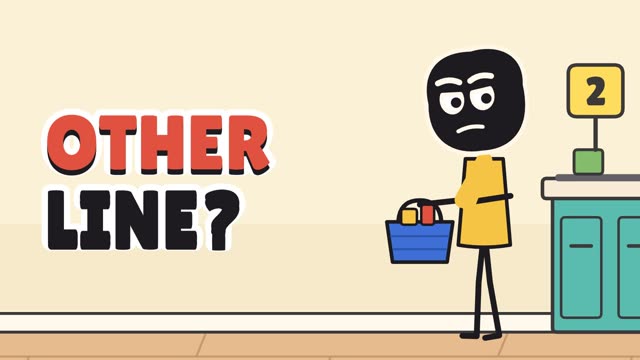
| Stickman animation | A fact, a "what if" or a short argument | One simple character reacts to the idea, with big words and icons beside it |
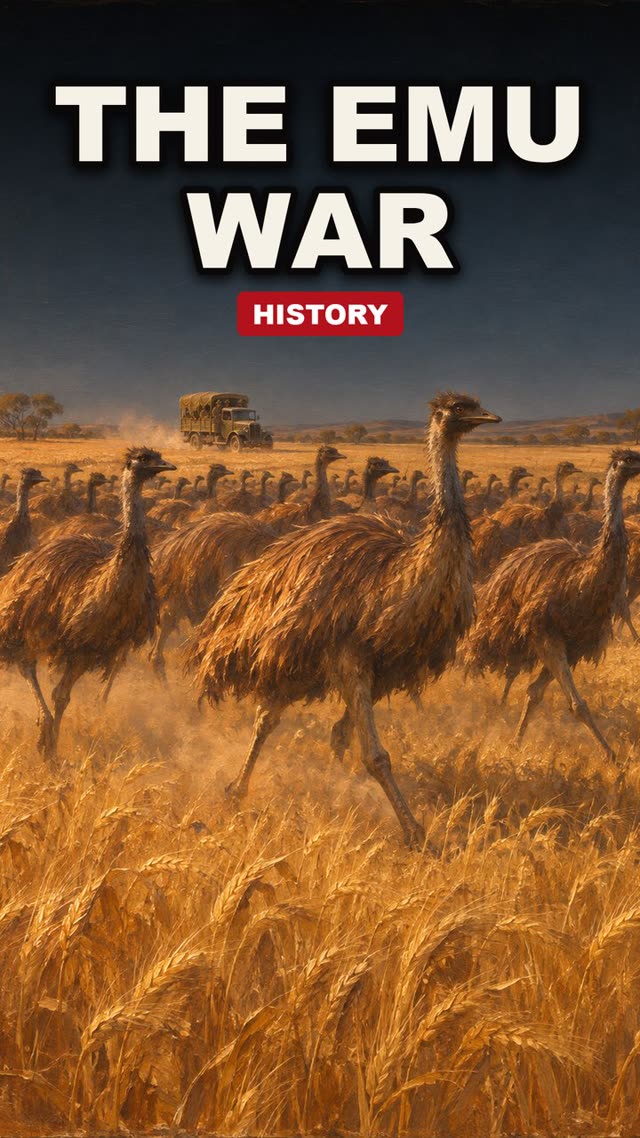
| History animation | A short story about one event or place | Maps, timelines and illustrated scenes with slow camera moves |
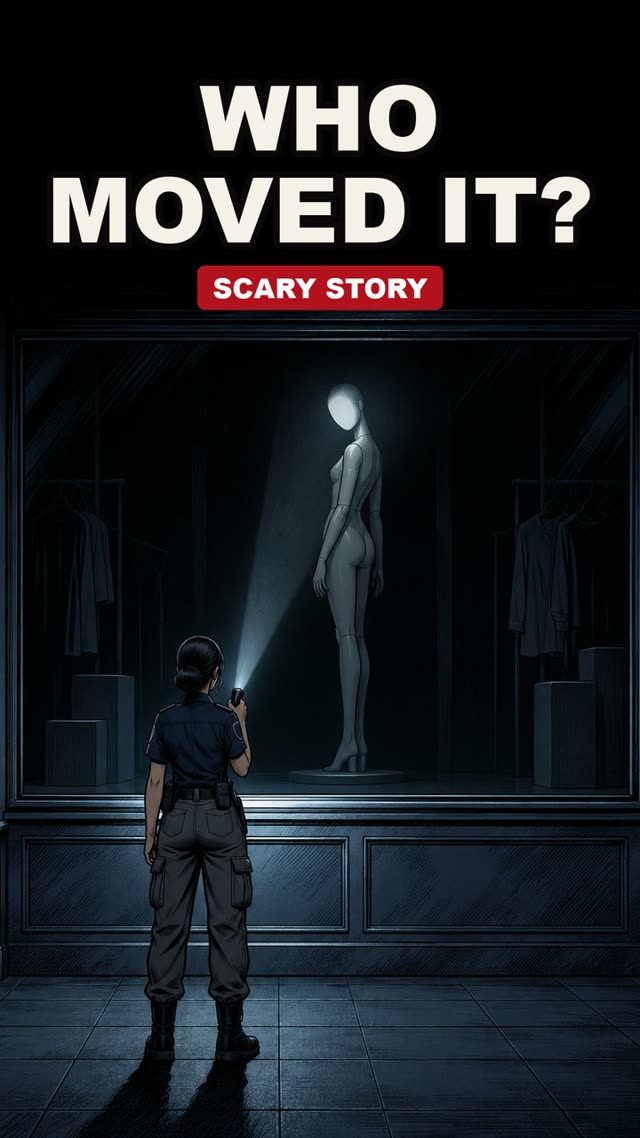
| Scary stories | A short fiction with a twist | A dark palette, few objects per scene, sound doing much of the work |
| Text-message stories | A first-person story in plain language | Narration over a text card or chat layout with simple background loops |
For example, take the sentence "Your phone battery drains faster in the cold because the chemistry inside slows down." As a stick-figure shot, one figure shivers next to a phone, a battery icon drops, and the words "slower chemistry" appear beside it. The joke and the fact share one picture.
One script, several formats
One 150-word script can produce more than one video, because the scene table does not depend on the shape of the picture. You change the layout, not the words.
Vertical short
The main version, 9:16, with captions.
Square or landscape cut
The same shots with the layout adjusted.
Captions-only version
The same script as text cards, for viewers who watch on mute.
Plan the shot list once, then reuse it. That is where a template or code saves the most time over making each version by hand.
Text to animation limits and mistakes to avoid
Most mistakes come from the text, not the tool. The four to avoid:
Using text you do not own
Turning someone else's article into a video without permission can infringe their rights, and platforms can remove such videos.
Write your own script, use text with a licence that allows it, or ask the author.
Trusting the model's facts
A fluent script is not a true script.
Verify every claim from a reliable source and say "scientists think" where a fact is uncertain.
Too much text on screen
Vertical video is read on a small screen.
Use a few words, a large font, and keep key text away from the top and bottom edges.
Packing a whole story into one prompt
Very long outputs from a chat model can get cut off.
Work in pieces: script, then the scene table, then a few shots at a time.
Platforms also have their own rules for AI-generated content, including when you must label it. Check the current rules of each platform where you publish.
Where to go next
Pick a format and try one 60-second script end to end. For more guides like this one, see faceless video tutorials.
Frequently asked questions
- What is text to animation?
- Text to animation means turning written words into moving images. The phrase covers three jobs, which are turning a script into an animated video, animating the text itself, and turning a prompt into 3D character motion.
- Is there a free way to turn text into animation?
- Partly. Some online tools have free tiers with limits such as watermarks, shorter videos or lower resolution, and open-source tools run on your own computer. Read each tool's current terms before you publish a monetized video.
- Can an AI chat assistant make animations?
- A chat assistant can write the script, the storyboard and, in some cases, the animation code, but whether a product renders video itself depends on its current features. Check its own documentation.
- How do I animate text in a video?
- Use the text presets in a template editor, or write the text as an element whose opacity, position or size changes frame by frame and render it. The section on animating text itself explains both.
- Can I turn any article or story I find online into an animation?
- Not without permission. Text you did not write is usually protected by copyright, and platforms have their own rules. Write your own script, use text you have the rights to, or ask the author first.