How to Make Animated Videos: Five Forms, Four Methods, and What Each Costs
How to make animated videos: the five forms, four ways to make them, what each really costs, and a free script template you can copy.
FacelessReels.tv Team · Updated 2026-11-11
Contents
What is an animated video?
An animated video is a video whose pictures are drawn, generated or calculated instead of filmed. A narrator or music usually carries the story, and the pictures change to match it.
That makes animated videos different from live action, which films people and places, and from slideshows, where the pictures do not move. You can make one without drawing every frame yourself, and the steps for how to make animated videos are the same whatever the form.
Two things matter before you choose a tool:
The form
What the video looks like on screen.
The method
How you produce it.
This guide shows how to make animated videos in that order: form first, then method, then cost, free options and mistakes.
Which of the five forms of animated videos should you make?
Most first videos should be a stick-figure explainer or a short story in a fixed look. Choose by what the viewer must understand, not by which style looks nicest.
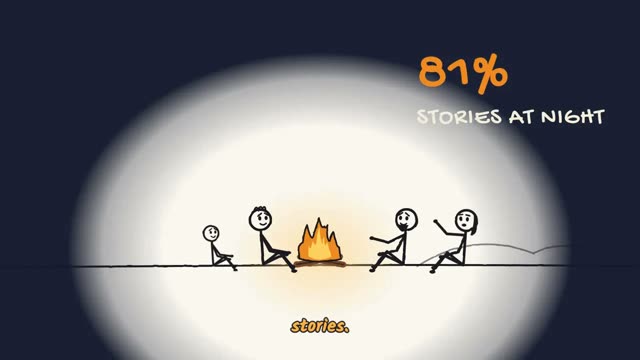

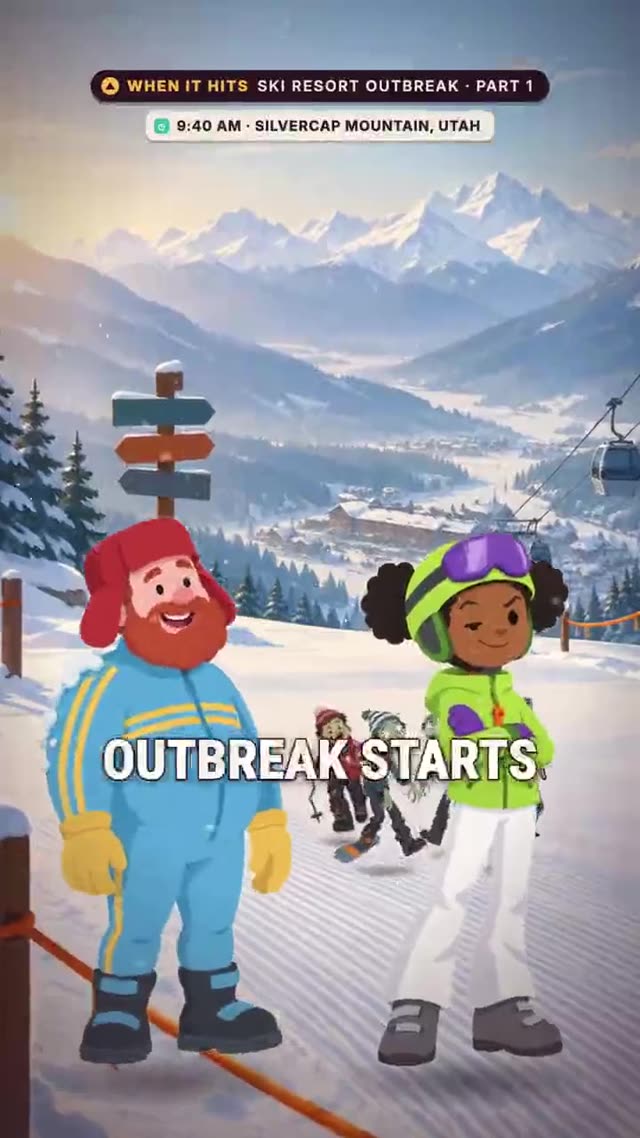
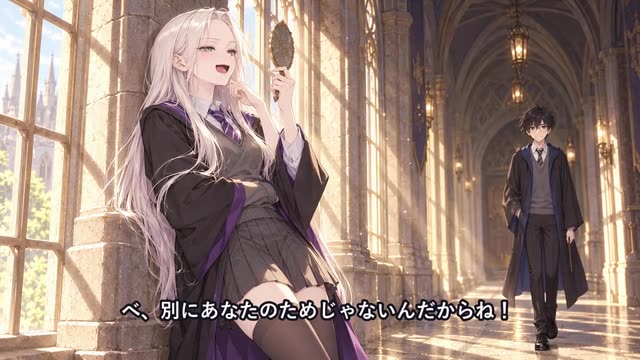
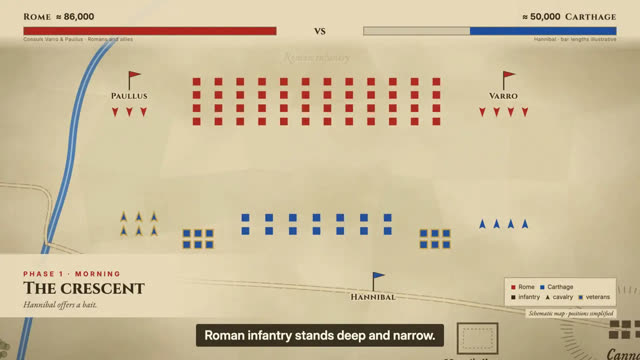
These five forms are the ones we make ourselves, and the stills above are from our own films.
| Form | What you see | Good for |
|---|---|---|
| Stick-figure explainers | Simple drawn figures act out one question or a short scene; see sketch animation | Curiosity topics, short jokes |
| Painted history | Illustrated scenes with a narrator | History, facts, true stories |
| Cartoon stories | A cartoon cast in a what-if or a mystery | Hypotheticals, puzzles |
| Anime-style series | An anime look with recurring characters | Episodic stories |
| Map animation | Maps, arrows and labels that move | Wars, routes, data |
If you are unsure, pick the form that needs the fewest drawings. A stick figure can carry a good idea; a polished look cannot rescue a weak one.
How to make an animated video in five steps
You make an animated video in five steps: write the script, plan the scenes, make the pictures, add the voice, then export and check. Only the third step changes with the tool you use.
- You get
- One finished video, 60 seconds or shorter
- You need
- An idea, a form from the list and one of the four ways below
Write the script
One idea, a hook in the first three seconds, and short sentences. Use the template below.
Plan the scenes
Split the script into shots, one picture idea each, no shot longer than about seven seconds.
Make the pictures
Draw them, build them in a template, generate them or write code.
Add the voice
Record or generate the narration, then set each shot's length from its audio.
Export and check
Watch it once with sound and once on mute, then export for the platform you publish on.
Fill in this template before you open any tool. A 60-second video holds about 150 words.
TITLE (under 60 characters): [the question or promise]
HOOK (0-3 s, about 10 words): [a question, a surprising fact or a "what if"]
SETUP (3-15 s, about 30 words): [who or what this is about, and why it matters]
THREE POINTS (15-50 s, about 85 words): [1. first fact  2. second fact with a concrete detail  3. the strongest, saved for last]
PAYOFF (50-57 s, about 20 words): [the answer to the hook in one line]
CLOSE (57-60 s, about 5 words): [a question for the comments or the next episode]
CHECKS: every date or number has a source; no sentence over 15 words; every sentence can be drawn.
If you would rather have a tool plan the scenes and build the video from your script, you can use an AI faceless video generator.
What are the four ways to make animated videos?
There are four realistic routes: template tools, AI prompt-to-video, animation software and code. They differ in hours and dollars, not in the look you can reach.
| Route | Best for | Control | Learning curve |
|---|---|---|---|
| Template tool | One quick video | Low to medium | Short |
| AI prompt-to-video | Scenes that are hard to draw | Low | Short |
| Animation software | A unique look | High | Long |
| Code | A series with one fixed look | High | Medium |
Template tools
A template tool gives you ready-made characters, scenes and music in a browser. Adobe Express and Powtoon are two examples. It suits one video quickly; the look is shared with other users of the same templates.
AI prompt-to-video
An AI video model generates clips from a text prompt. It is good for scenes that are hard to draw, but characters can change between clips and text inside the picture can warp. To compare this route in detail, read our guide to text to animation.
Animation software
Software such as Blender gives you full control of every frame. It takes the longest to learn, and a one-minute video is a large project by hand.
Code
With code, every frame is calculated from instructions, so the same look repeats in every episode. An AI coding assistant can write the code for you. The full workflow is in our code animation guide, written for Claude.
How long do animated videos take, and what do they cost?
Time is the biggest cost: your first video takes longest, and later ones reuse your script template and style. We have not timed these tools, so this page gives no hour counts. Money depends on the route; the table shows the official prices at the time of writing.
| Route | Free option | Paid option |
|---|---|---|
| Template tool | Adobe Express Free: $0, with templates and 250 generative credits a month. Powtoon Free: 720p, up to 3 minutes, with a Powtoon watermark | Adobe Express Premium: $9.99 a month. Powtoon Lite: $15 a month, billed yearly |
| Animation software | Blender: free and open source, usable for any purpose including commercial | None needed |
| Code | Remotion: free for individuals and companies of up to 3 people. Claude Code is not in the free Claude plan | Claude Pro: $20 a month, or $17 a month on an annual plan. Remotion Creators company licence from $25 a month per seat |
| AI prompt-to-video | Varies by tool | Credits or a subscription; check each tool's pricing page |
Sources: Adobe Express, Powtoon, Blender, Remotion and Claude. Prices change, so check each page before you buy.
To have the video planned and built for you in credits, see faceless video pricing.
Can you make animated videos for free?
Yes, free options exist, and each has a catch: a watermark, shorter videos or more time spent learning. Pick the catch you can live with.
| Option | What is free | The catch |
|---|---|---|
| Adobe Express Free | Templates and 250 generative credits a month | Premium features need the paid plan |
| Powtoon Free | 720p videos up to 3 minutes | A Powtoon watermark |
| Blender | The whole program | A long learning curve |
| Remotion | The library, for individuals and companies of up to 3 people | You write or generate code |
Free tools get you a first video. Decide whether to pay only after you have published one and know which limit annoys you most.
What do YouTubers use to animate videos?
There is no single tool. Animated channels use whatever fits their format: template editors, AI tools, animation software or code.
What matters is that the look repeats. Channels that publish on a schedule pick one form and one way of making it, then reuse it.
Can AI make an animated video for you?
AI can write the script, plan the shots and draw or generate the pictures, but it cannot decide what your video should say. You still choose the idea and check every fact.
What AI does well in this process:
Script and storyboard
A draft you edit.
Pictures
Short clips or still images from prompts.
Code
The program that draws an animation.
Where it still needs you: keeping a character the same from shot to shot, text inside the picture, and facts. Read every claim before you publish.
What do real animated videos look like?
Real animated videos range from a stick figure to a map that moves. Here are examples you can look at. Our own films are made with our own code engine; the public channels are named so you can see their style, and we do not copy their work.
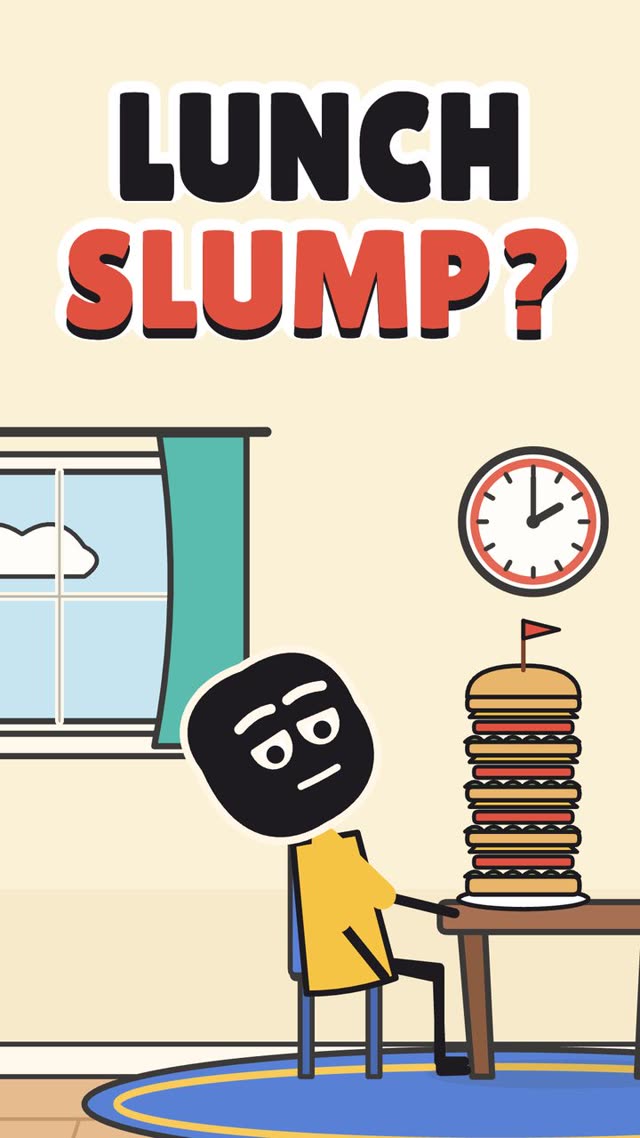

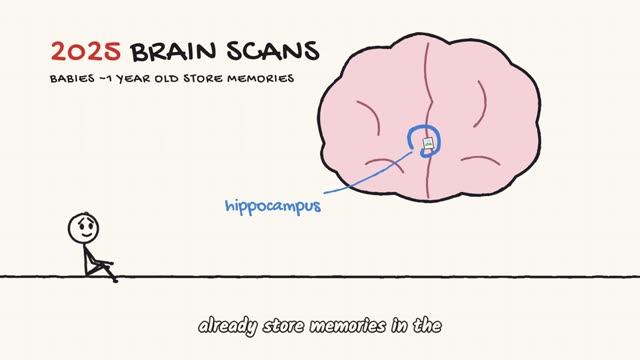
- Ours
Painted history
Illustrated scenes with a narrator. See history animation.
- Ours
Cartoon what-if
One hypothetical per episode.
- Ours
Anime-style series
Recurring characters who keep their look. See anime video maker.
- Ours
Map animation
Maps that move as events unfold. See map animation.
- Public
Kurzgesagt – In a Nutshell
Animation videos explaining things, made by a team of illustrators and animators.
- Public
Oversimplified
Cartoon history, a good place to see humour in animated history.
- Public
The Armchair Historian
Map-led history, a clean look that reads well on a phone.
What are the most common mistakes with animated videos?
The three costly mistakes are starting before the script is finished, choosing a form that is too hard, and ignoring the length limit of the platform.
Starting before the script is finished
Pictures made for a weak script are redone.
Finish and read the script aloud first.
Choosing a form that is too hard
A hand-animated 3D look is a project, not a video.
Start with the simplest form that carries your idea.
Ignoring platform limits
Short-video platforms have maximum lengths and safe areas for text.
Check them before you plan the shots.
For more guides like this one, see faceless video tutorials.
Frequently asked questions
- How can I create my own animated video?
- Write a short script, pick a form and a way to make it, then build the scenes, add a voice and export. A template tool is quickest for one video; code or an engine suits a series with the same look every week.
- What do YouTubers use to animate videos?
- There is no single tool. Animators use template editors, AI video tools, animation software such as Blender or code, depending on the format and how much control they want.
- Can ChatGPT create animated videos?
- AI chat assistants can write the script and the storyboard, and some can write code that draws an animation. Whether a given product renders video by itself depends on its current features, so check its own documentation.
- Which app is used to make animated videos?
- Common choices are template editors such as Adobe Express and Powtoon, open-source software such as Blender, and code libraries such as Remotion. The right one depends on the form you want.
- Can I make animated videos for free?
- Yes. Free plans and open-source tools exist, with limits such as watermarks, shorter videos or more time spent learning. The free-options table lists what each one offers.